Updated:
Gallery · Formats · Downloads · Wallpaper list · How to set it
Gallery: official screenshots
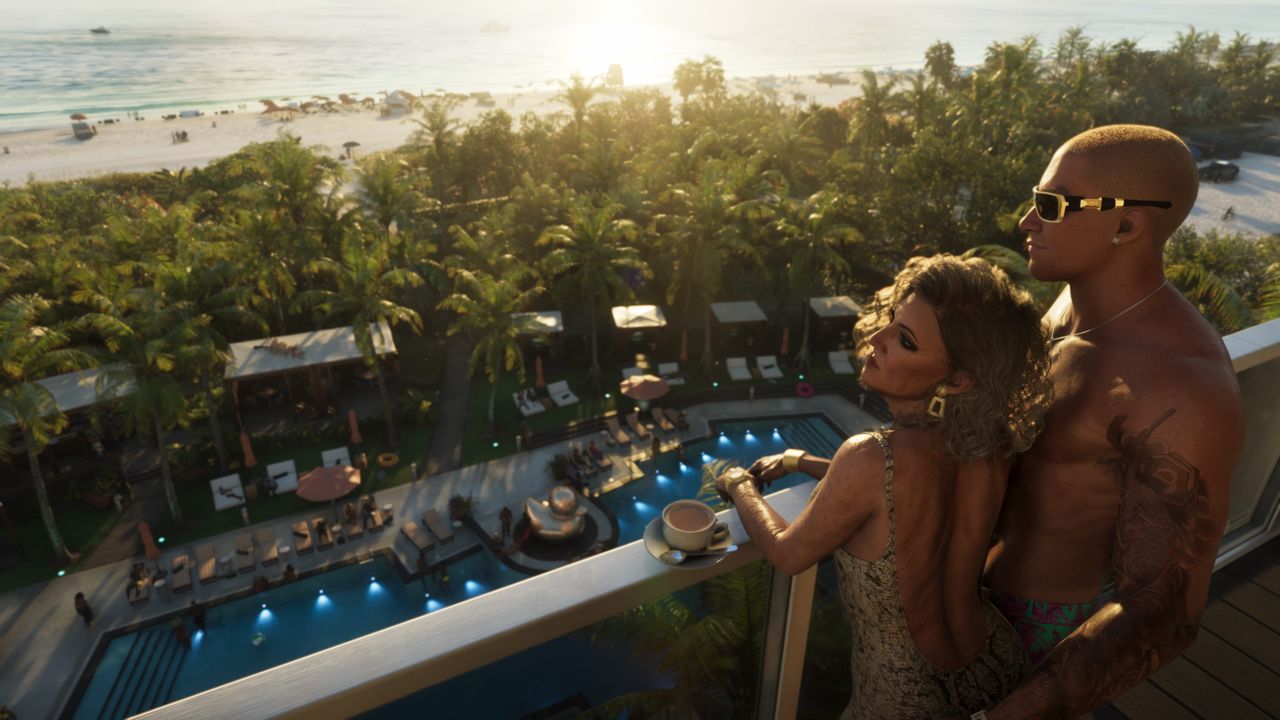
 Ambrosia 01 4K ↗
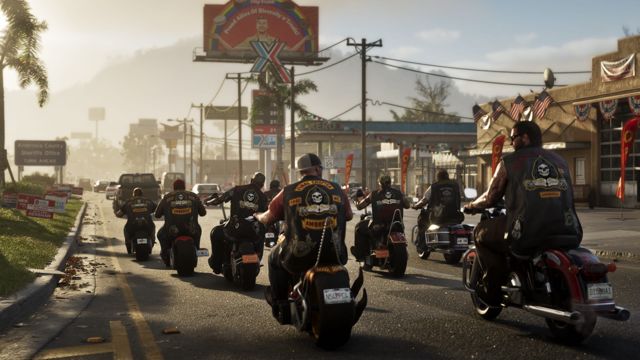
 Jason and Lucia 01 4K ↗
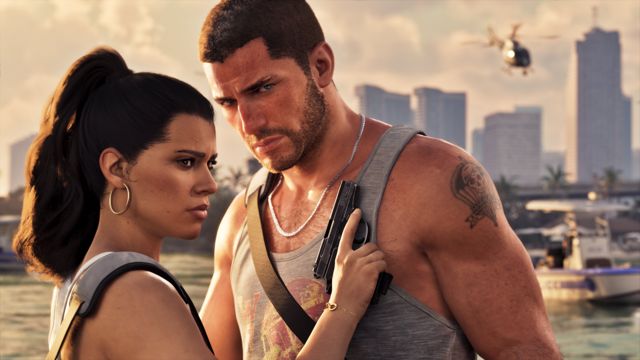
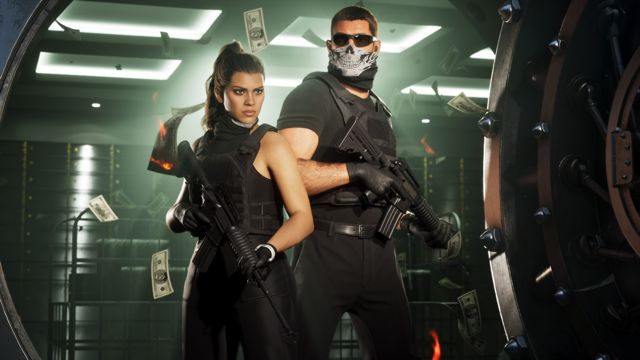 Jason and Lucia 02 4K ↗
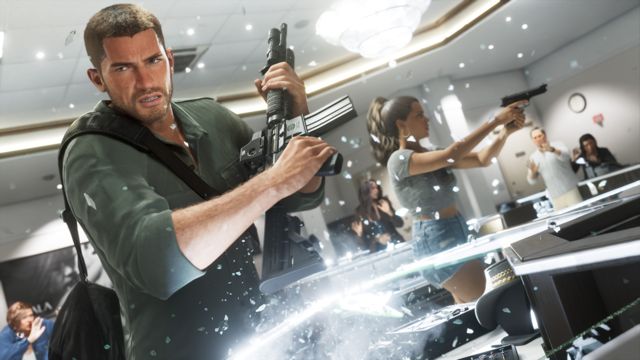 Jason and Lucia 04 4K ↗
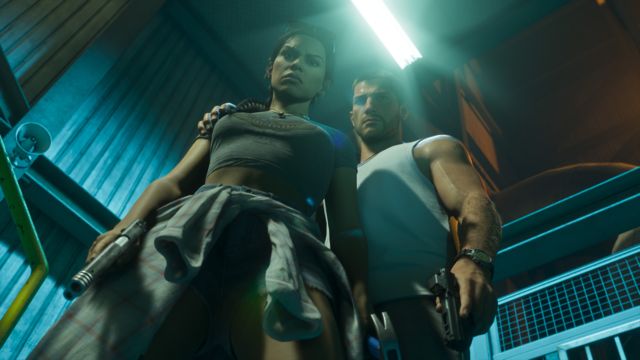 Jason and Lucia 07 4K ↗
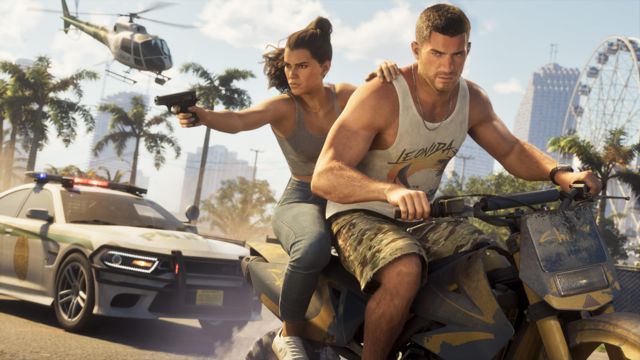 Jason and Lucia 09 4K ↗
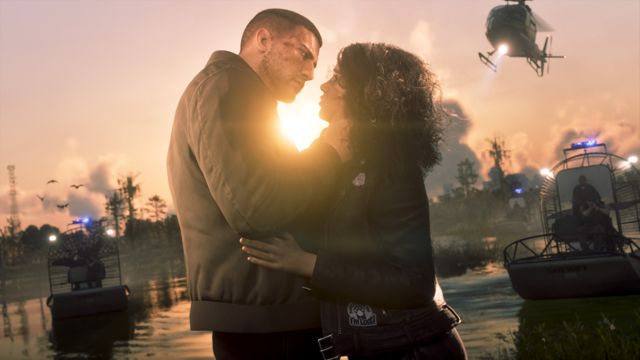 Jason and Lucia 13 4K ↗
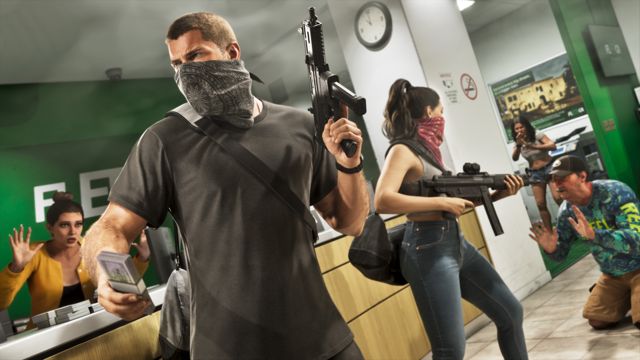 Jason and Lucia 15 4K ↗
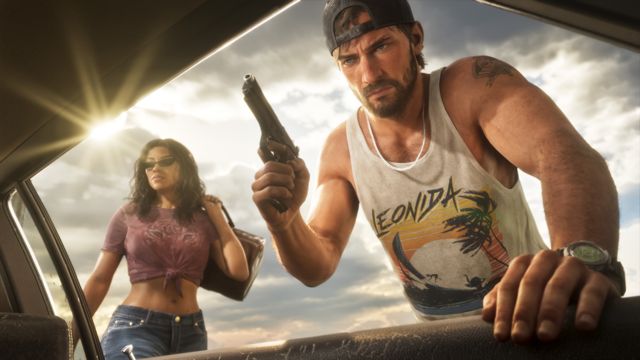 Jason and Lucia 17 4K ↗
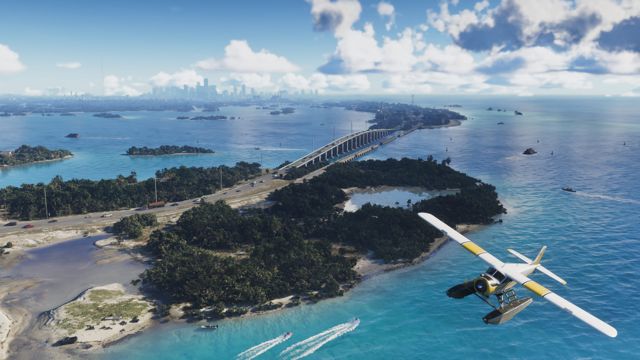 Leonida Keys 01 4K ↗
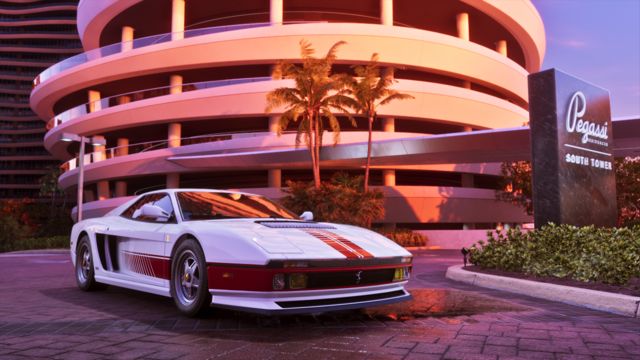 Grotti Cheetah 01 4K ↗
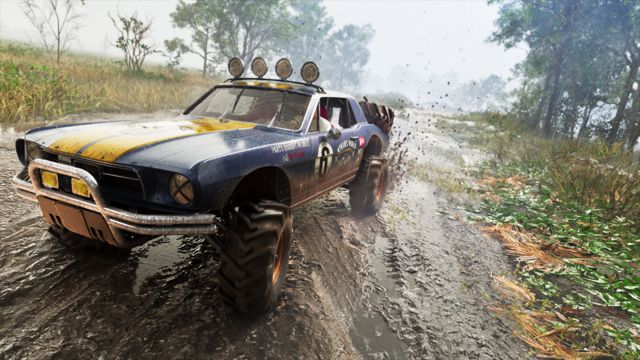 Vapid Buggy 01 4K ↗
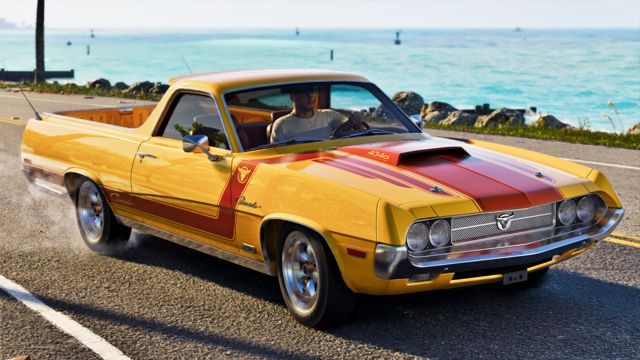 Vapid Ganado Retro Build 01 4K ↗
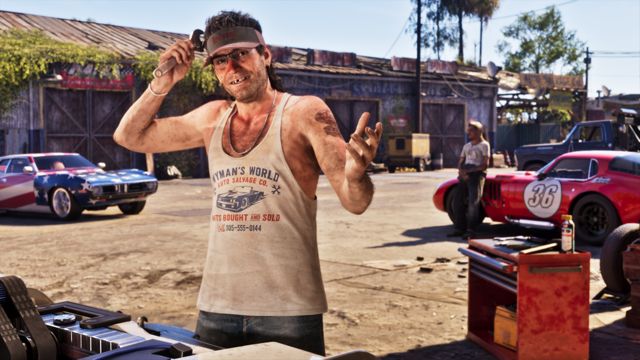 Wyman Car Collection 01 4K ↗
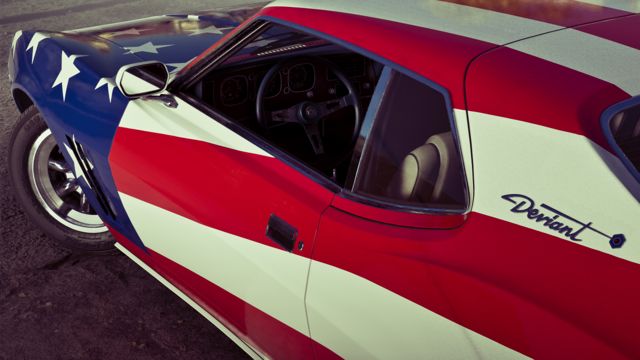 Wyman Car Collection 06 4K ↗
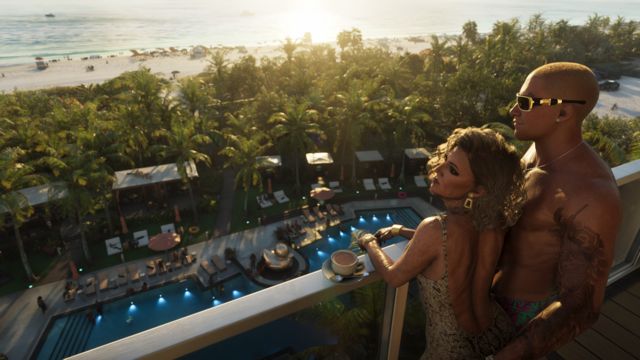 Vice City 02 4K ↗
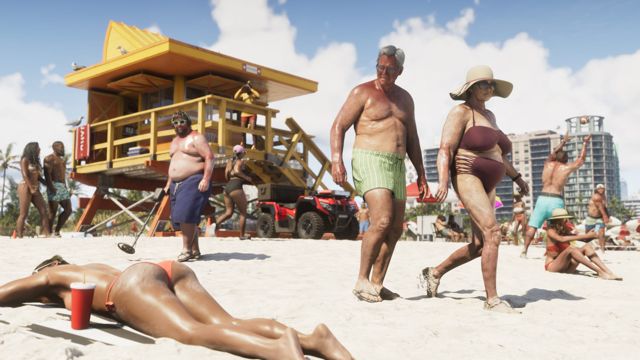 Vice City 05 4K ↗
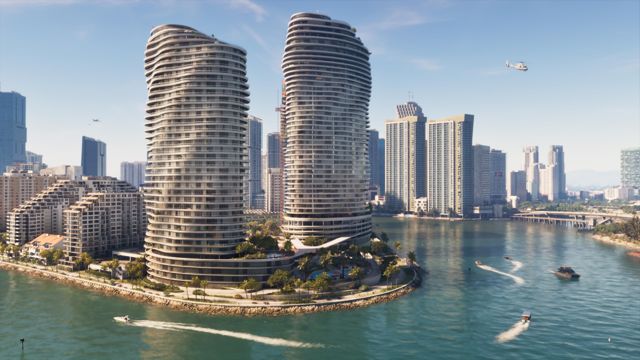 Vice City 10 4K ↗
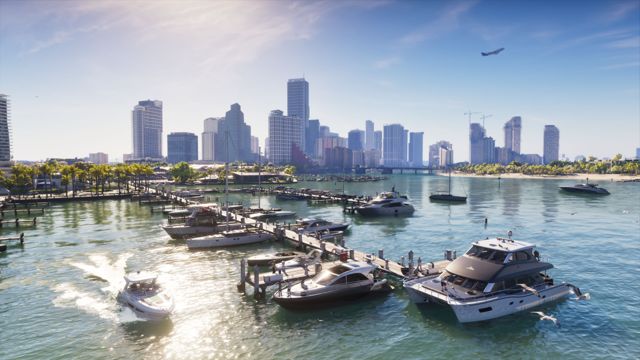 Vice City 15 4K ↗
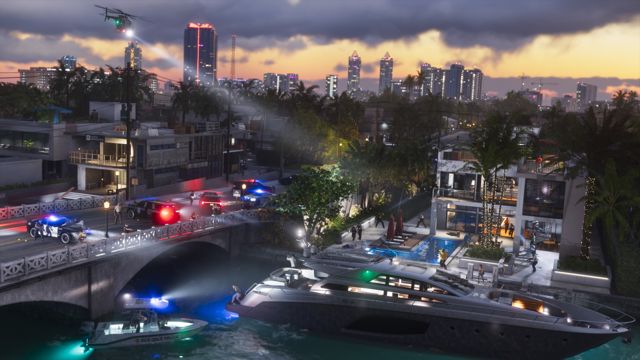 Vice City 17 4K ↗
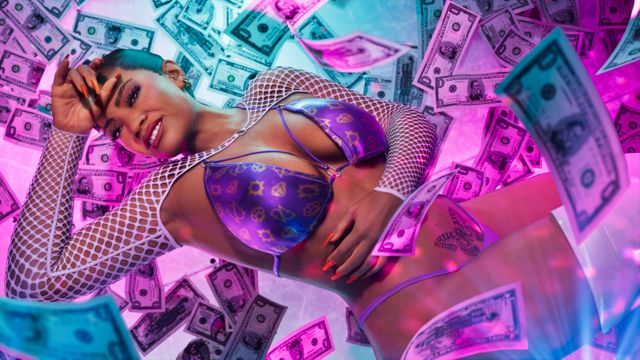 Vice City 18 4K ↗
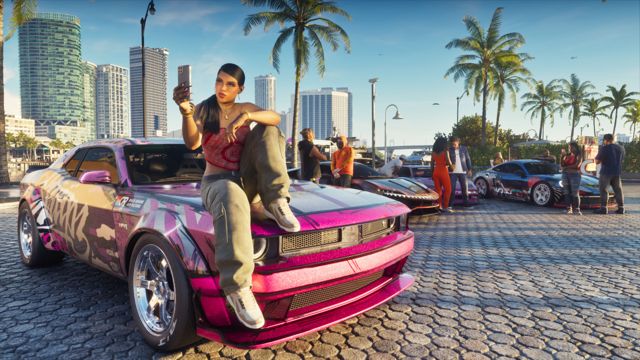 Vice City 24 4K ↗
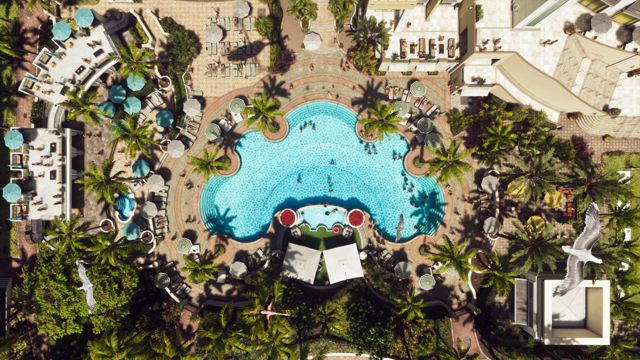 Vice City 26 4K ↗
Thumbnails of official images © Rockstar Games. Tap any of them to view and download it in 4K on the official site.
Available formats and resolutions
When you open a wallpaper on Rockstar’s site, pick the format at the bottom right before downloading:
| Format | Resolution | Best for |
|---|---|---|
| Landscape | 3840 × 2160 | 4K monitor or TV (16:9) |
| Ultrawide | 5120 × 2160 | Ultrawide monitor (21:9) |
| Phone | 2160 × 4680 | Phone (modern iPhone and Android) |
| Portrait | 2160 × 3840 | Vertical screen or 16:9 phone |
| Tablet | 3840 × 3840 | Tablet (works in portrait and landscape) |
| Square | 2160 × 2160 | Avatar, cover or square screen |
Official downloads
Artwork & wallpapers 28
The official artwork: most come in 6 formats (4K, ultrawide, phone, portrait, tablet and square).
View and pick a size on Rockstar ↗ Download all (official ZIP) ↓Official in-game screenshots 138
Jason and Lucia, Vice City, Leonida Keys, Ambrosia, Port Gellhorn and more. One size each.
View and pick a size on Rockstar ↗ Download all (official ZIP) ↓Ultimate Edition screenshots 51
Cars, weapons and extras from the Ultimate Edition (e.g. the ’95 Grotti Cheetah).
View and pick a size on Rockstar ↗ Download all (official ZIP) ↓Vintage Vice City Pack 12
The retro pack: the ’55 Vapid Stanier, vintage outfits and hairstyles.
View and pick a size on Rockstar ↗ Download all (official ZIP) ↓Official video clips 9
Short clips (animated cover, Jason, Lucia…). Great as live wallpapers.
View and pick a size on Rockstar ↗ Download all (official ZIP) ↓Every official wallpaper
The 28 wallpapers in the “Artwork & Wallpapers” section and how many sizes each has:
Jason and Lucia
| Jason and Lucia Rooftop | 6 sizes |
| Jason and Lucia Lock and Load | 6 sizes |
| Jason and Lucia Robbery | 6 sizes |
| Jason and Lucia Beach | 6 sizes |
| Jason and Lucia 01 | 6 sizes |
| Jason and Lucia 02 | 7 sizes |
| Jason and Lucia Motel | 6 sizes |
Each also exists “With Logos” (with the game logo) in 3 sizes.
Characters
| Cal Hampton | 6 sizes |
| Boobie Ike | 6 sizes |
| Dre'Quan Priest | 6 sizes |
| Real Dimez | 6 sizes |
| Raul Bautista | 6 sizes |
| Brian Heder | 6 sizes |
Leonida postcards
| Vice City Postcard | 6 sizes |
| Leonida Keys Postcard | 6 sizes |
| Port Gellhorn Postcard | 6 sizes |
| Ambrosia Postcard | 6 sizes |
| Grassrivers Postcard | 6 sizes |
| Mount Kalaga National Park Postcard | 6 sizes |
Covers and posters
| Official Cover Art | 6 sizes |
| The Album Cover Art | 3 sizes |
| Leonida Map & Cover Art Poster | 4 sizes |
The Leonida map poster comes in print-ready formats.
Open the wallpapers on Rockstar ↗
How to set it as your wallpaper
- 1
PC (Windows): Download the Landscape format (or Ultrawide for a 21:9 monitor), right-click the image and choose “Set as desktop background”.
- 2
iPhone: Download the Phone format, open it in Photos, tap Share → “Use as Wallpaper” and adjust the framing.
- 3
Android: Download the Phone format, open it in your gallery and choose “Set as wallpaper” (home screen, lock screen or both).
- 4
Xbox Series: Put the Landscape image on a USB drive or OneDrive, then go to Settings → General → Personalization → My background → Custom image.
Images are © Rockstar Games and offered on their site for personal use. SunsetCodex does not host or modify them: we just point you to the official download.